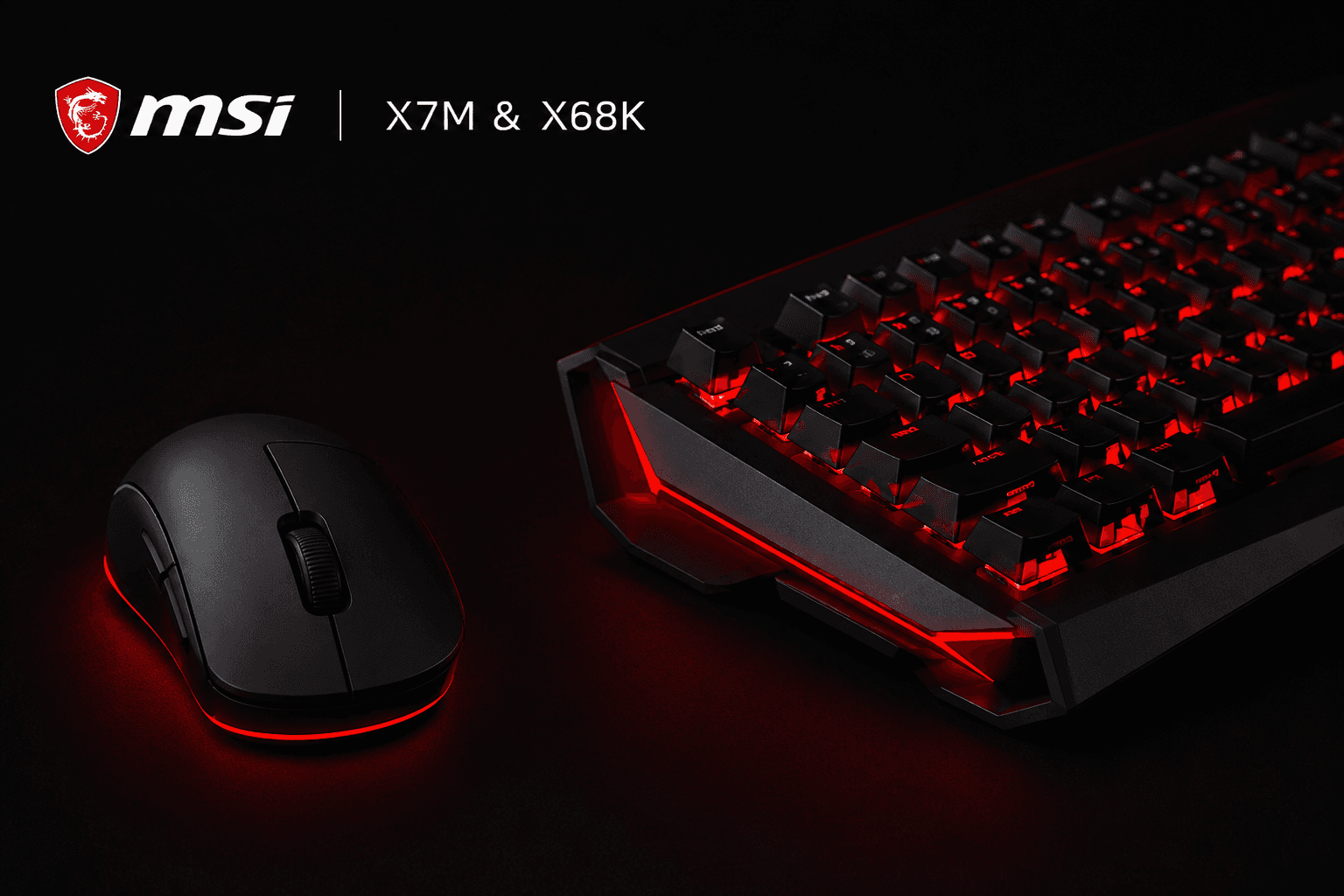
I have been running the MSI X7M mouse and X68K keyboard together for about a month now, mostly grinding CS2, and the combination has genuinely changed how my sessions feel. Top fragging for my team more consistently is not something I expected from a peripheral swap, but here we are.
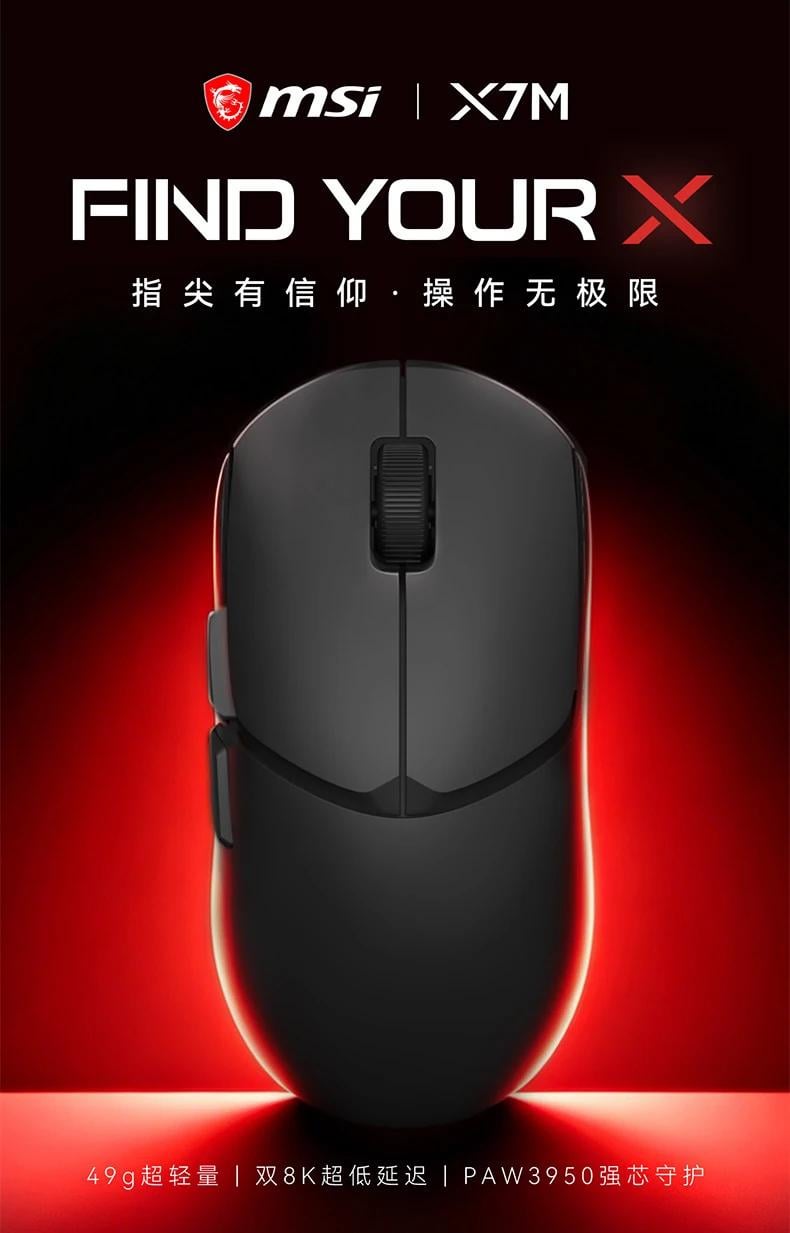
The X7M comes in under 50 grams, which sounds like a marketing number until you actually pick it up. Extended sessions that used to leave my wrist feeling stiff stopped being an issue around week two. The symmetrical shape works across claw and fingertip grip, and the ABS+PC paint-free shell keeps the surface from turning into a fingerprint collector after an hour of play. Two sets of Teflon feet are included, long strips and round dots, and I settled on the strip configuration for cloth pad use.
Under the shell, the PixArt PAW3950 sensor handles tracking. No drift, no frame skipping, no jitter at high speed. The Nordic nRF54L15 chip manages Bluetooth, 2.4G, and wired simultaneously, and the 2.4G mode is where the real numbers live. Polling rate hits 8000Hz in both wired and 2.4G, with button latency at 0.42ms wired and 0.63ms over 2.4G. In CS2 those numbers translate to shots registering exactly when you click, not a fraction after. The Omron optical microswitches on the left and right buttons have a 70 million click lifespan and the actuation is crisp without being loud.
DPI ships with five native levels from 800 to 4000, each tied to a different RGB colour so you always know where you are. Through the web-based driver, that range opens up to 100 through 40,000. No software installation needed, just a browser, which is the right call for a gaming mouse in 2026.
Battery life deserves a mention. At 2.4G with lighting off and 1K polling, the 300mAh cell lasts around 180 hours. In Bluetooth mode it pushes to 141 hours. I charged it twice during the entire month of testing. The LED battery indicators are smart enough that the mouse warns you at 15% and again at 5%, so there are no surprise shutdowns mid-match.

The X68K is where the setup gets serious for keyboard feel. The 6063 aluminium chassis weighs close to 1.9kg, which means it does not move. During the heaviest CS2 sessions, rapid WASD movement and spam clicking never shifted the board a millimetre. The 68-key compact layout keeps everything within reach without sacrificing the keys that matter for FPS play.
The StarCore magnetic switches ditch metal contacts entirely and use Hall sensor magnetic field detection instead. No oxidation risk, no double-click issues down the line. Actuation starts at 0.3mm with an initial pressure of 35gf and bottoms out at 3.3mm. In FPS competitive mode, the WASD keys run shorter travel with RT quick-trigger enabled, meaning the key registers on press and resets on release with almost no travel required. In CS2 this made counter-strafing feel noticeably tighter. Stopping dead and returning fire became more consistent, not because my aim improved but because the input chain stopped introducing delay.
The 8000Hz polling rate over wired connection matches the mouse, and the six-layer gasket filling keeps the typing sound muted without making the board feel mushy. After gaming sessions when I switched to writing, the feel held up without fatigue.
Three preset modes handle different scenarios. FPS competitive runs the red breathing light and short WASD travel. Universal game mode uses blue lighting and standard travel for MOBAs and action games. Standard office mode extends trigger travel to prevent accidental inputs and drops to a white breathing light. I switched between FPS and standard daily without ever feeling like I needed to recalibrate muscle memory.
The web-based driver through X-Pivot is compatible with Windows, macOS, iOS, and Android. Key remapping goes deep with DKS dynamic key travel, MT dual-effect click, SOCD priority settings, and macro definition all accessible from the browser. For a 68-key layout that could feel restrictive, the driver turns every key into something configurable enough to cover gaps.
Together, the X7M and X68K form a setup that covers competitive gaming and daily use without compromise on either side. The mouse handles the portability and wireless flexibility, the keyboard handles raw input precision, and both run the same 8KHz polling standard. A month of CS2 later, the frags have been better and the wrist has been happier. That is the summary.